
While browsing the internet, it’s important to save any English words you want to learn or any expressions you find appealing. Reviewing them regularly helps you incorporate these words into your daily conversations and store them in your long-term memory.
Unfortunately, there are very few applications that directly address this need. Most language-learning apps are designed either to teach a language from scratch or to focus on different goals such as speaking practice—like Duolingo.
To fill this gap, we developed Dejavu English. Without a browser extension, all the processes mentioned above would remain incomplete. That’s why we built a dedicated extension for both Chrome-based browsers and Firefox.
Traditional method (many extensions work like this):
Once you install the extension, it becomes active immediately. On any English website you visit, simply double-click a word you want to learn. A comprehensive dictionary window will appear, showing the translation in your native language, an English–English definition, CEFR level, frequency, pronunciation, example sentences, and synonyms. If it’s a word you want to learn, you can instantly add it to your notebook.
Dejavu English’s method: Looking up words in sentence context
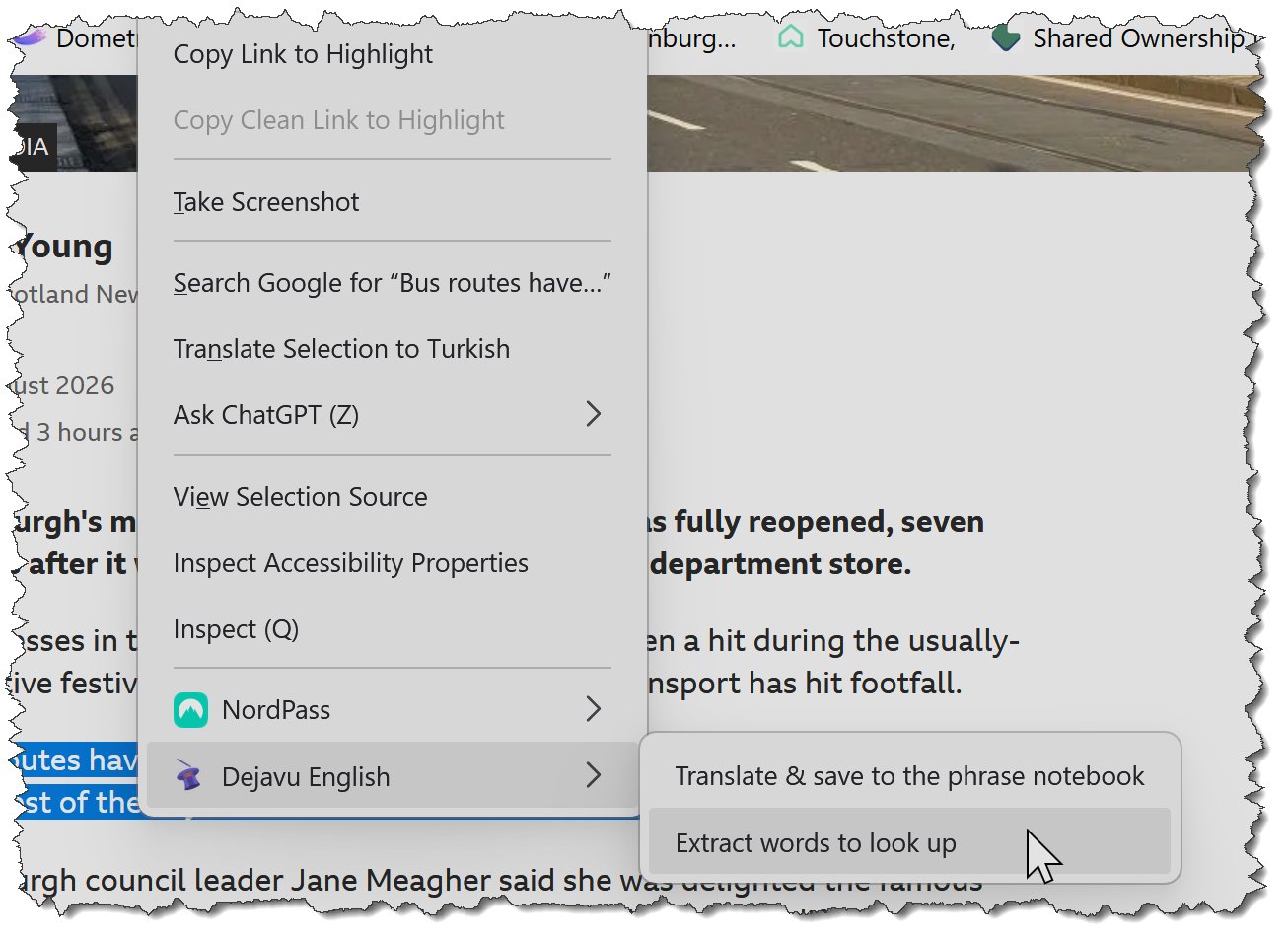
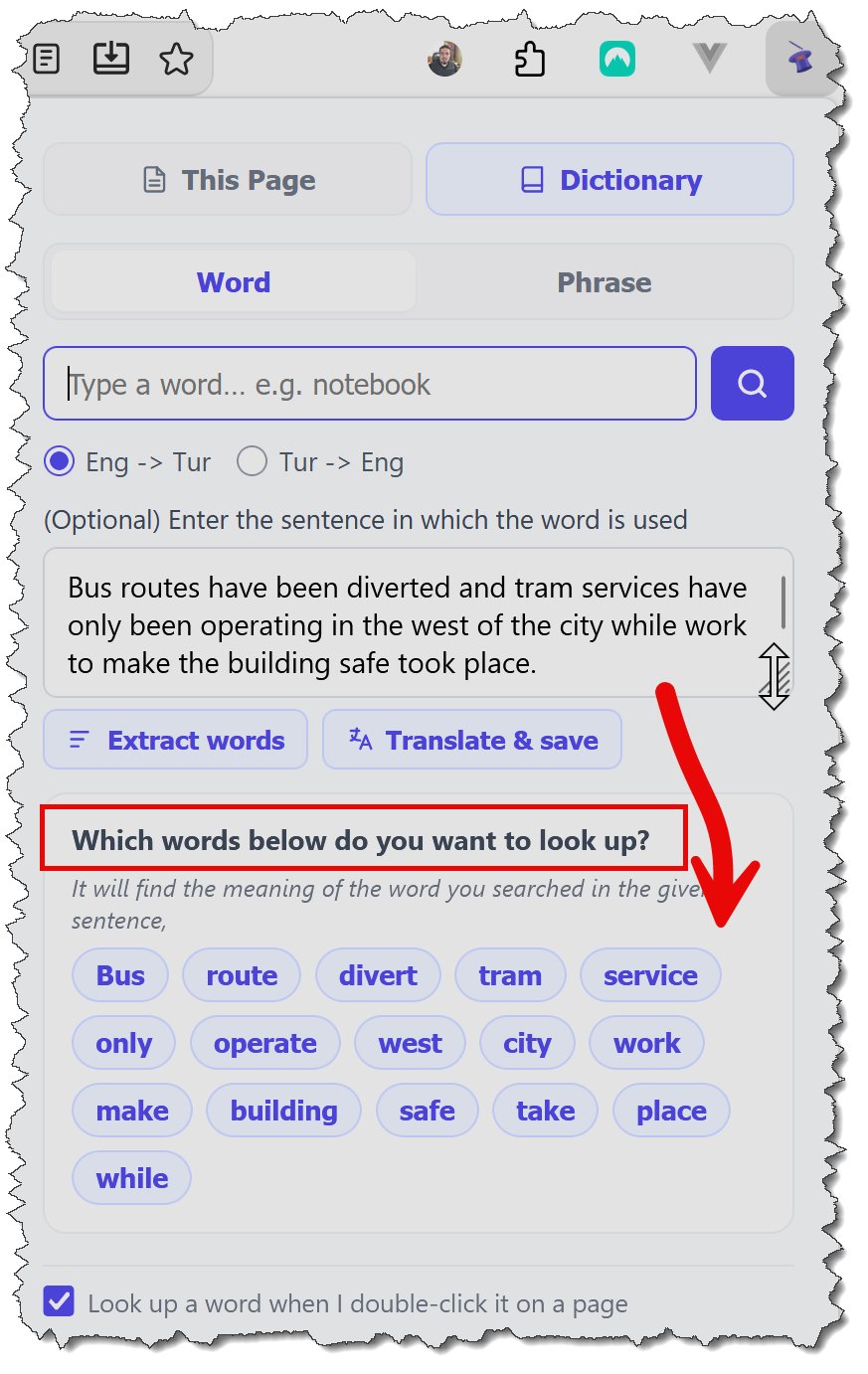
You can also select the sentence containing the word and right-click to choose extract words to look up. In the window that opens, select the word you want to check. This way, you learn the meaning within its sentence context, and the sentence is saved to your notebook together with the word.
Save beautiful expressions instantly so you never forget them:
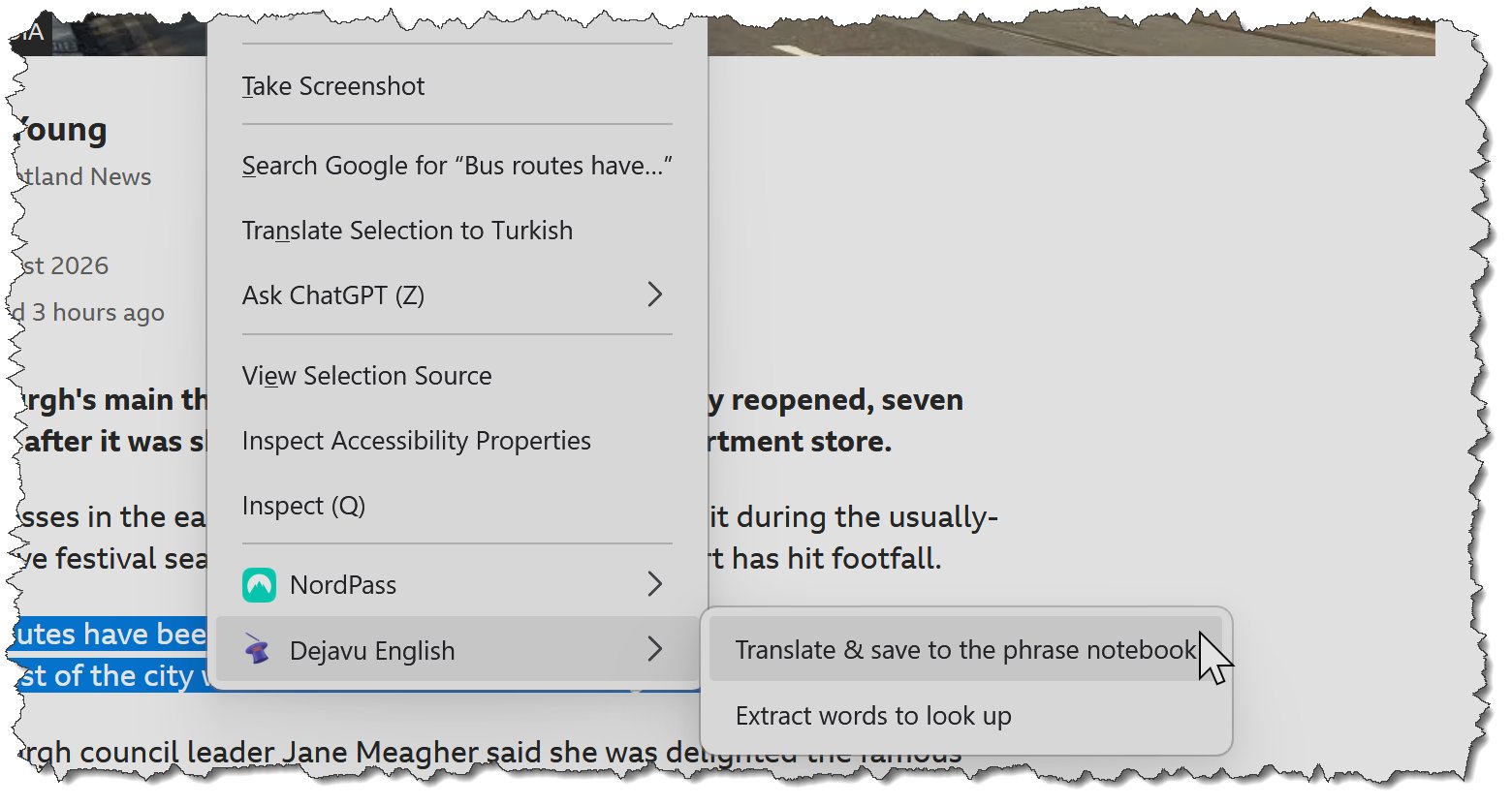
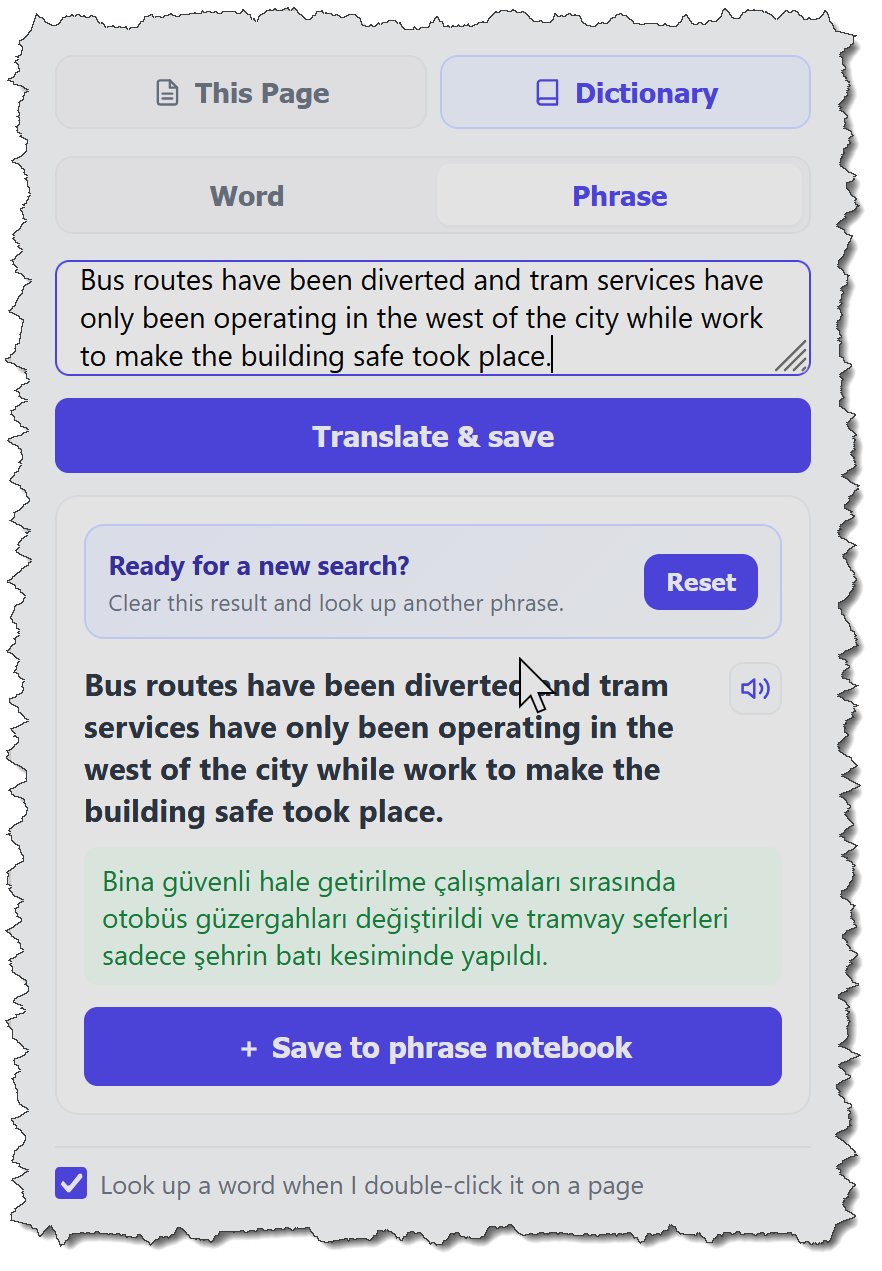
If you come across an expression you like, simply highlight it and choose translate and save to the phrase notebook to store it in your phrase notebook.
Every word and expression you save is tracked in the background through Dejavu’s spaced repetition system. By reviewing them at specific intervals, the app helps you transfer these items into your long-term memory—so you can start using them naturally in everyday life.
Reading with the Dejavu effect:
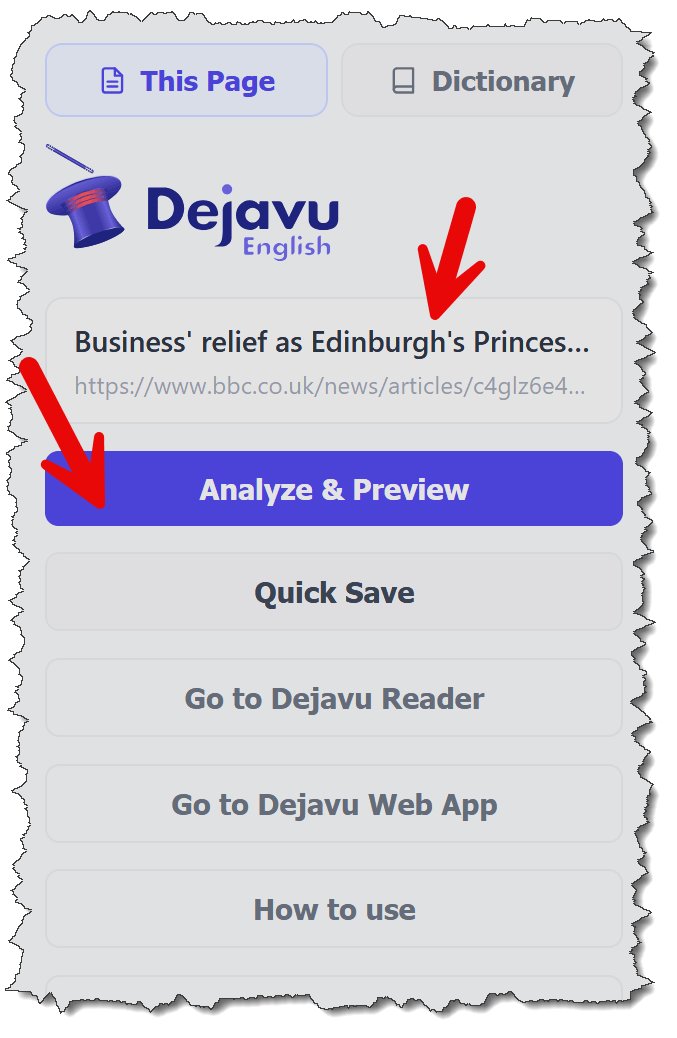
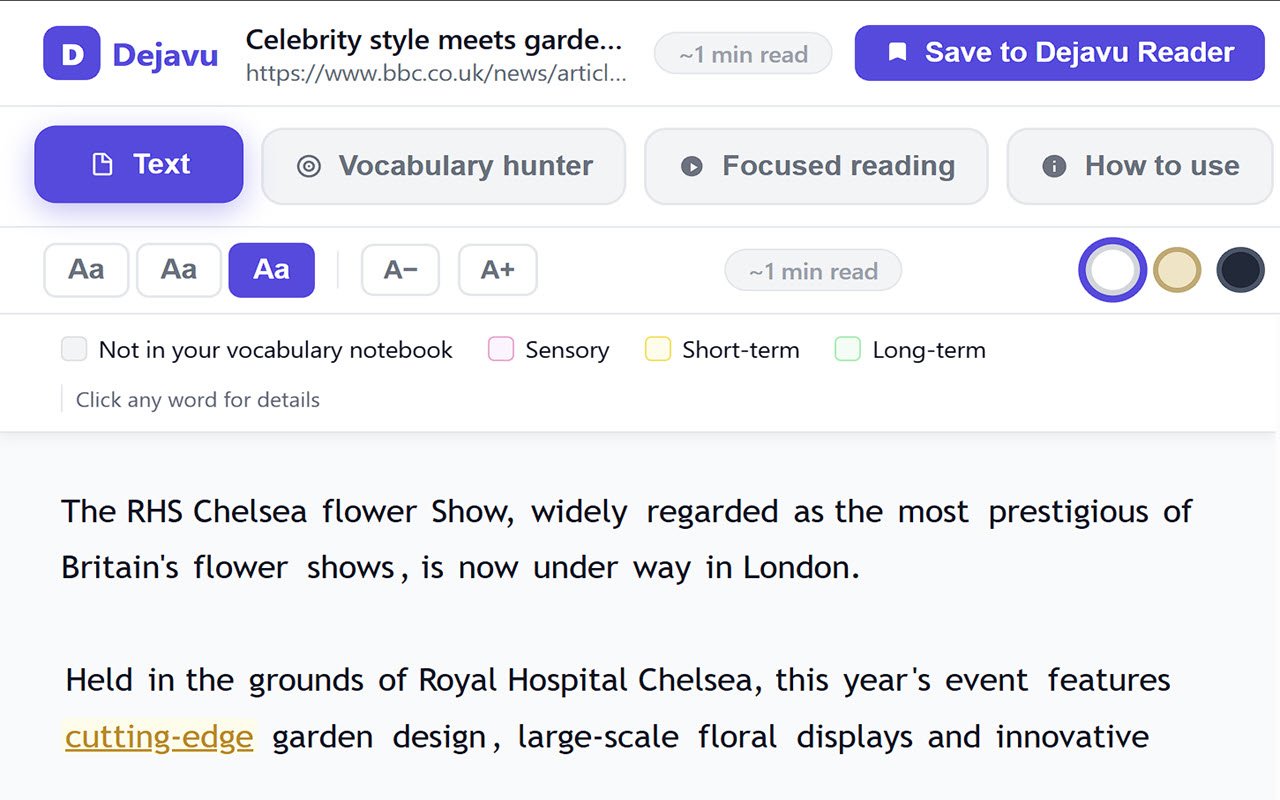
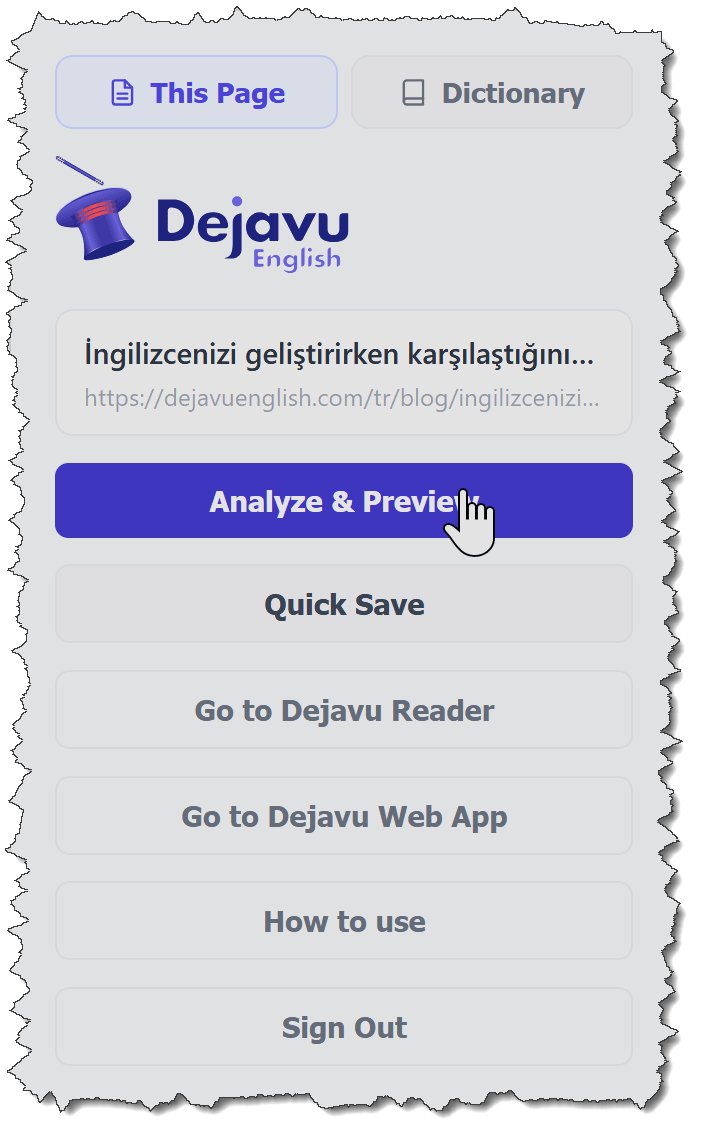
When you click the Dejavu extension on any webpage and select review & analyse, Dejavu Reader analyzes the text, extracts only the content section, and automatically highlights the words from your notebook within the English text. Thanks to smart color-coding, you can clearly see the learning stage of each word: pink for flash-memory stage, yellow for short-term memory, and green for words that have already settled into your long-term memory.
This feature creates a true “dejavu effect” while reading. You instantly notice the words you’re learning, observe your progress, and reinforce your vocabulary much faster.
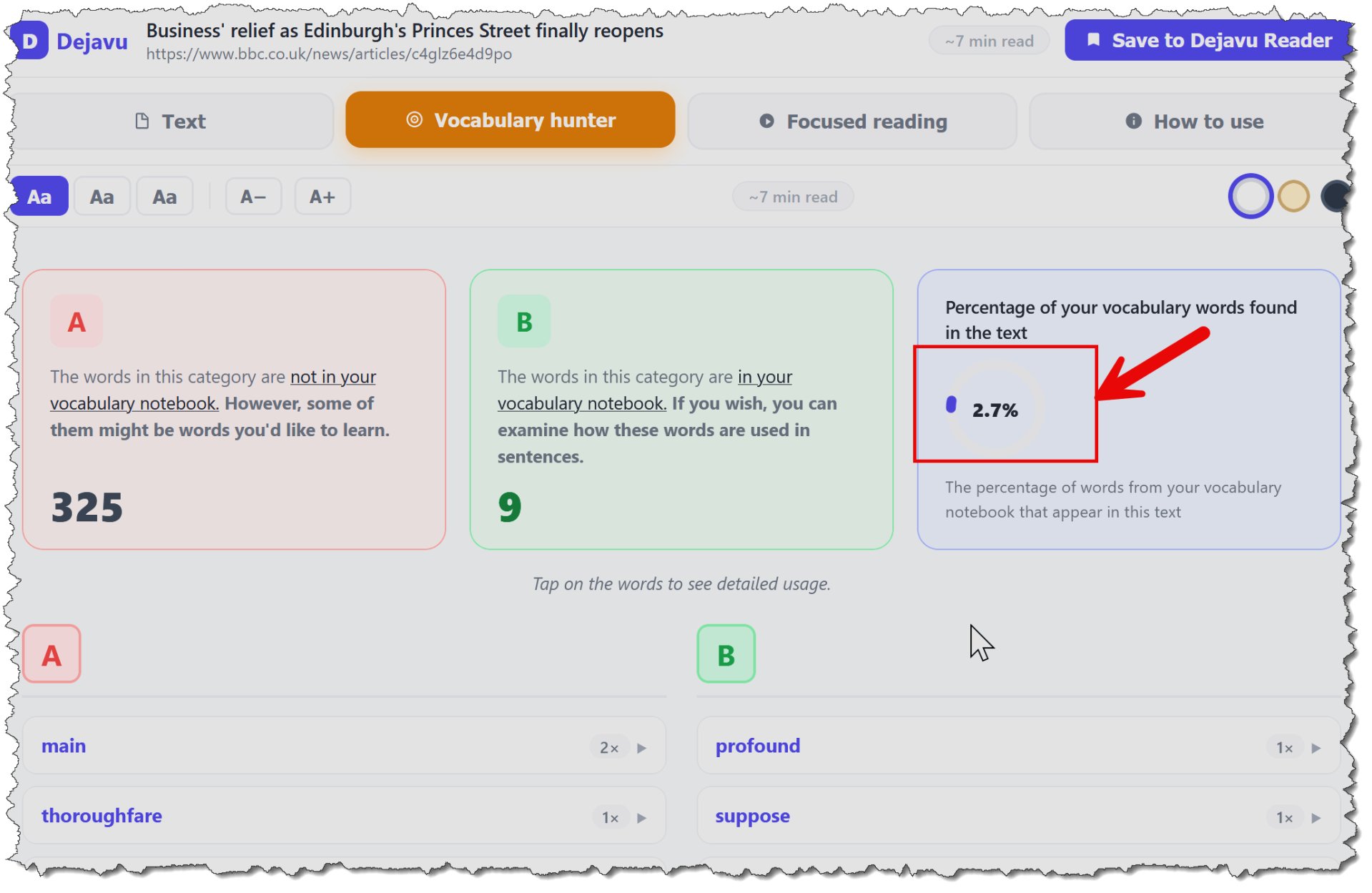
You can also see how much of the article you understand based on your current knowledge—identifying which words you already know and which ones are still in the learning phase. You can save the article and continue reading whenever you like.
You can examine any word that catches your attention along with the sentence it appears in, and add it to your notebook with a single click.